Roomlyo · AI room redesign

AI interior design from your photo.

Upload a photo of your living room, bedroom or empty apartment. Choose from 30 styles, describe your idea and compare room concepts before buying furniture.

1 free concept after signupNo design skills needed
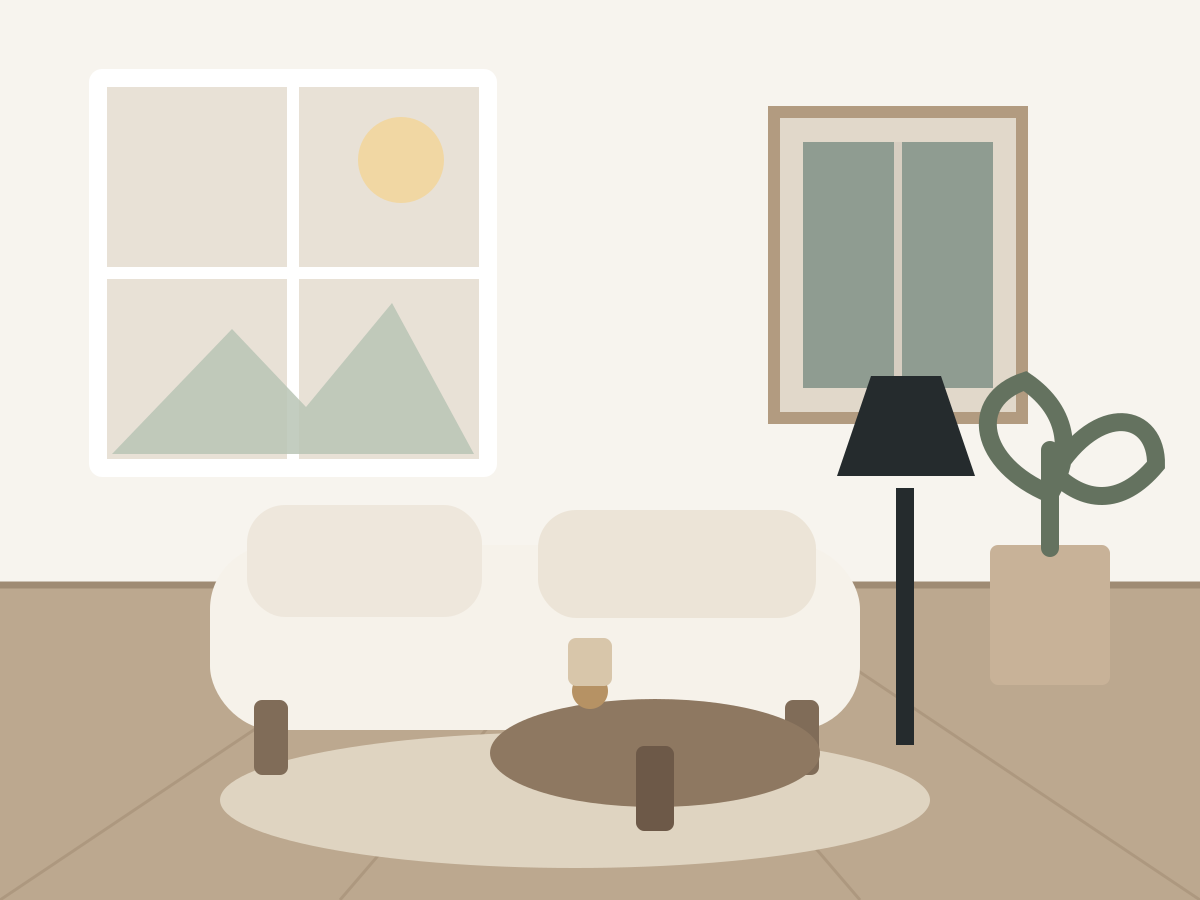
A refined living room concept created in Roomlyo
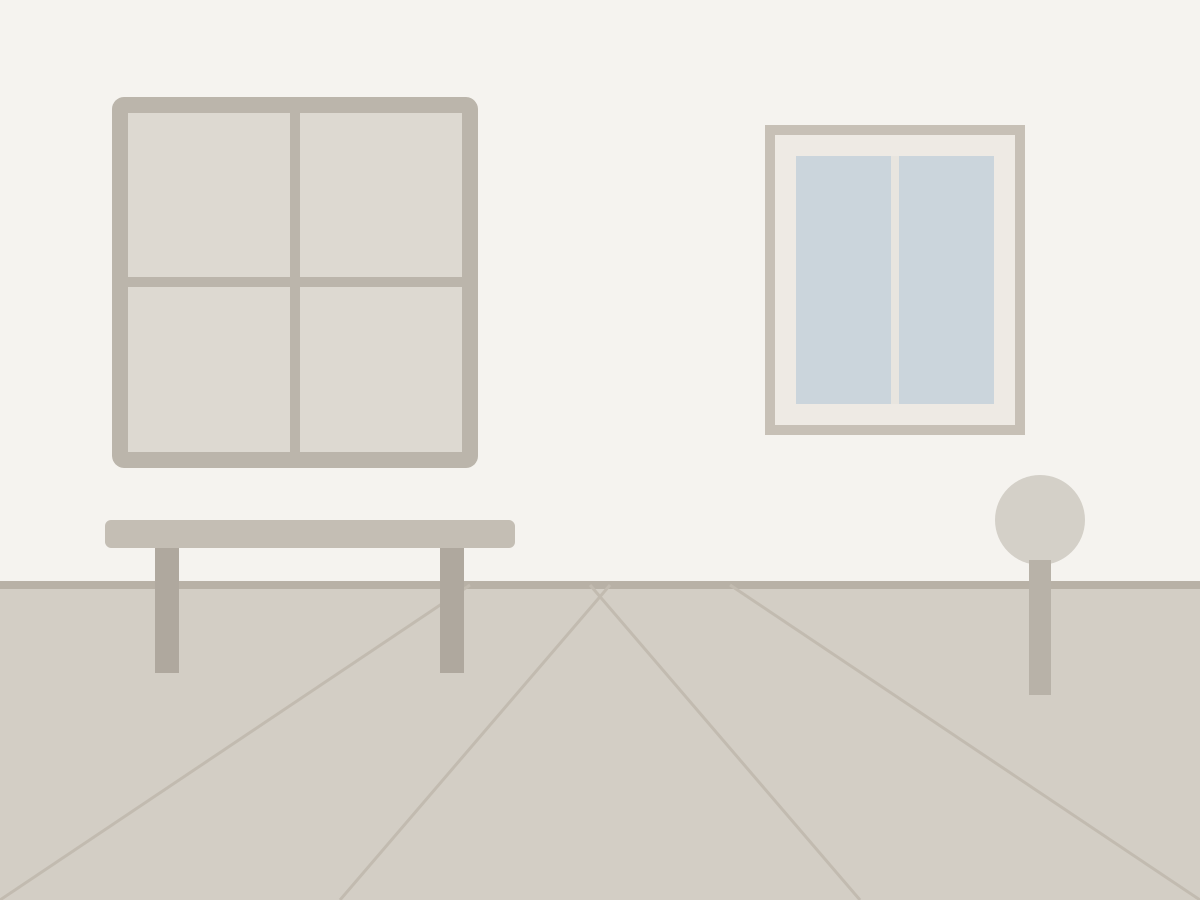
BeforeRoomlyo concept
The same room before its Roomlyo redesign
Scandinavian - Living room

Designed perfectly for

Interior Designers
Real Estate Agents
Homeowners
Flippers

A faster creative workflow

From empty room to clear direction.

Test ideas before you move a sofa, order materials, or present a property to a buyer.

Start with your actual room

The generator uses your photo and is instructed to retain the perspective, windows and doors. Check their placement in the finished concept.

Compare room design ideas

Compare directions while the idea is fresh instead of waiting days for a first visualization.

Ready to share

Create clean, polished visuals for decisions, listings, and client conversations.

A refined living room concept created in Roomlyo
BeforeRoomlyo concept
The same room before its Roomlyo redesign

Built for real rooms

See the potential without guessing.

Explore colours, materials and furniture using your own room photo. A visualization helps you choose a design direction; dimensions and feasibility need a separate check.

  • Photorealistic interior concepts
  • Curated basic and premium styles
  • Empty and furnished room modes
Create your first concept

Simple by design

A new interior in three steps.

No complicated editor, no design software, and no lengthy brief.

Upload your room

Choose a clear JPG, PNG, or WEBP photo of the space you want to redesign.

Set the direction

Select the room type, its current state, and the interior style you want to explore.

Generate and compare

Receive a polished concept, then try another style whenever inspiration strikes.

Plans for every project

Start small. Scale when it works.

Choose a focused credit pack or unlock unlimited monthly creation for professional work.

Basic

Starter

For anyone who wants to quickly refresh one room and try Roomlyo on a focused project.

$7one-time
  • 20 interior generations
  • Access to essential styles
Choose Starter
Best valueMost popular

Pro

For homeowners and design enthusiasts who want the freedom to compare more directions.

$19one-time
  • 100 interior generations
  • No watermarks
  • Access to every premium style
Choose Pro
-36%
Real Estate

Studio

Monthly plan for anyone who wants to create beautiful AI interior redesigns — from home makeovers to real estate and design projects.

$45$29per month
  • Unlimited generations for one month
  • Cancel anytime
  • Dedicated support
Choose Studio

Secure checkout powered by Stripe. Starter and Pro are one-time payments; Studio renews monthly.

From an idea to your first visualization

Find a starting point for your room.

Choose a guide for your space, with photo tips, a sample AI prompt and a checklist for reviewing the finished concept.

Explore all room design guides

Questions, answered

Everything you need to start.

A few quick answers before you redesign your first room.

Will Roomlyo keep my room layout?+

The generator is instructed to retain the architecture and perspective in your photo, but AI can change details. Compare windows, doors and proportions against the original. The concept is not a technical drawing or a room measurement.

What kind of photo works best?+

Use a bright, sharp photo that shows as much of the room as possible. JPG, PNG, and WEBP files up to 10 MB are supported.

Do purchased credits expire?+

Starter and Pro credits stay on your account until you use them. Studio unlimited access follows its paid monthly period.

Can I use the images commercially?+

Private and commercial use depends on the terms of service and your chosen plan. For a property listing, label the image as an AI visualization and also show an actual photo of the room.

Is Roomlyo AI interior design free?+

Creating an account gives you 1 credit for a free concept. Further generations require Starter or Pro credits, or an active Studio plan. See the pricing page for current prices.

Can I redesign an open-plan living room and kitchen?+

Yes. Select the open space room type and up to 3 zones, such as living, kitchen and dining. Use the instructions field to describe furniture placement and the elements you want to keep.

Your next room starts with one photo.

Create a realistic direction for the space before committing time, money, or furniture.